The Game Capture Neo and HD60 X can both sit between a console and a 4K60 TV while sending a 1080p60 feed to a computer. If that is the whole setup, the Neo already covers the central job. The HD60 X earns consideration when the display runs faster, you want occasional 4K30 recording, or you need its stereo line input.
| Feature | Game Capture Neo | HD60 X |
|---|---|---|
| 4K60 HDR passthrough | Yes | Yes |
| Maximum capture | 1080p60 | 4K30; 1440p60; 1080p60 HDR |
| High-refresh passthrough | 1080p120 | 1440p120 or 1080p240 |
| VRR passthrough | Not listed in Neo specifications | Listed by Elgato |
| Analogue line input | Not listed | 3.5 mm stereo input |
| Computer connection | USB 3.0, 5Gbps | USB 3.0, 5Gbps |
The Neo covers a 60Hz streaming chain
Elgato lists 4K60 HDR as the Neo’s passthrough ceiling and 1080p60 as its capture ceiling. A console can therefore send a 4K60 picture onward to the television while OBS receives a Full HD feed. This is a sensible split for a 1080p stream. The card does not make a 4K recording merely because the television still receives 4K. If saving high-resolution local footage matters, that limit is decisive.
The Neo uses a 5Gbps USB 3.0 connection and is compatible with Windows, Mac and iPad setups under Elgato’s stated system requirements. It has no listed 3.5 mm line input. For a console whose HDMI audio is sufficient, that omission may not matter. For a setup using an external analogue mix, the HD60 X offers a port the Neo lacks. The Neo’s box includes a USB cable, but Elgato says no HDMI cable is included; factor that into the complete connection rather than comparing the two devices in isolation.
Elgato Game Capture Neo
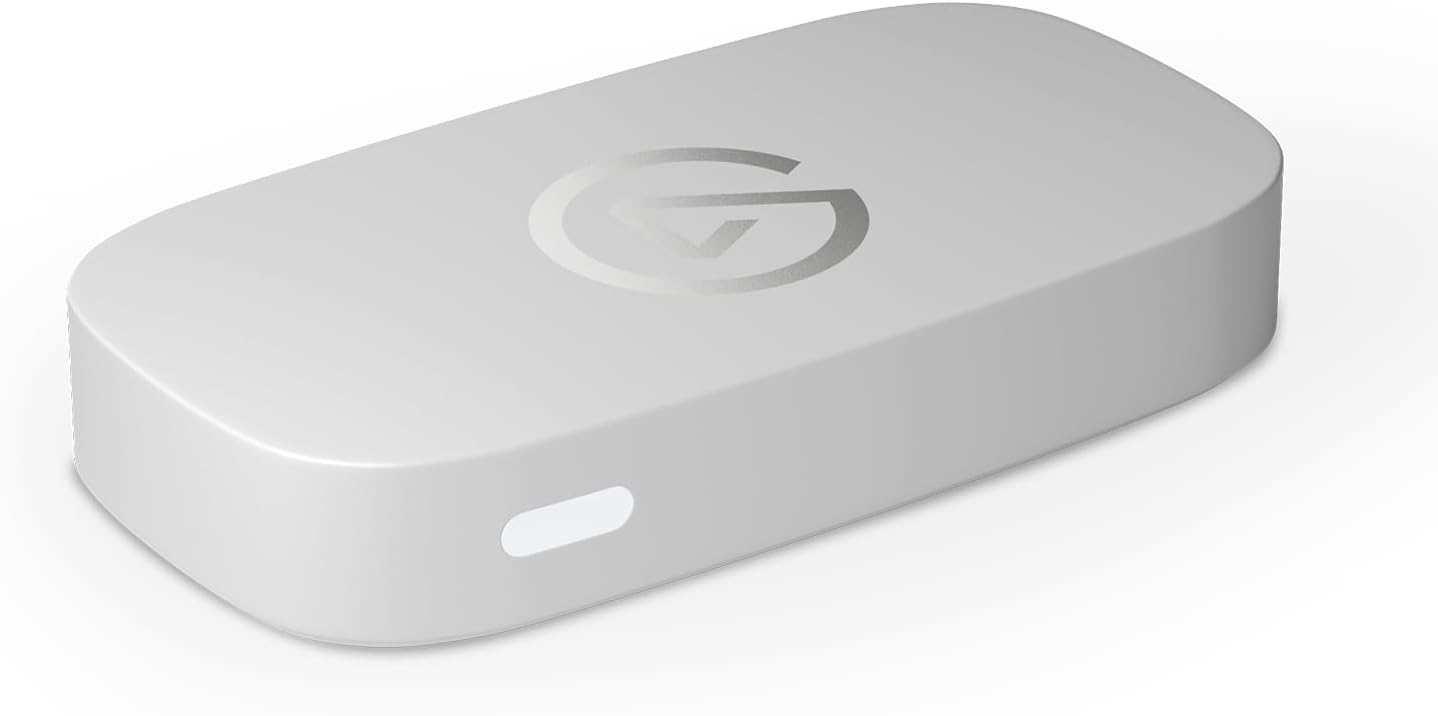
Capture: Up to 1080p60
Passthrough: Up to 4K60 HDR
Connection: USB 3.0 (5Gbps)
The HD60 X protects more display modes
The HD60 X specification lists 1440p120 and 1080p240 passthrough alongside 4K60, VRR and HDR. That matters if you play on a high-refresh monitor even when the stream remains 1080p60. It also supports capture at 4K30 and 1440p60; those are useful for local recordings or a QHD workflow but should not be mistaken for 4K60 capture. Elgato lists HDR capture up to 1080p60 on Windows. A 3.5 mm stereo line input adds another audio-routing option.
Both cards use 5Gbps USB 3.0, so upgrading to HD60 X does not require a 10Gbps USB-C port. Its package includes an HDMI cable and a USB cable. If you are connecting a console, capture card and screen, you still need to account for the entire HDMI path: one cable from console to capture input and another from capture output to the display.
Elgato HD60 X
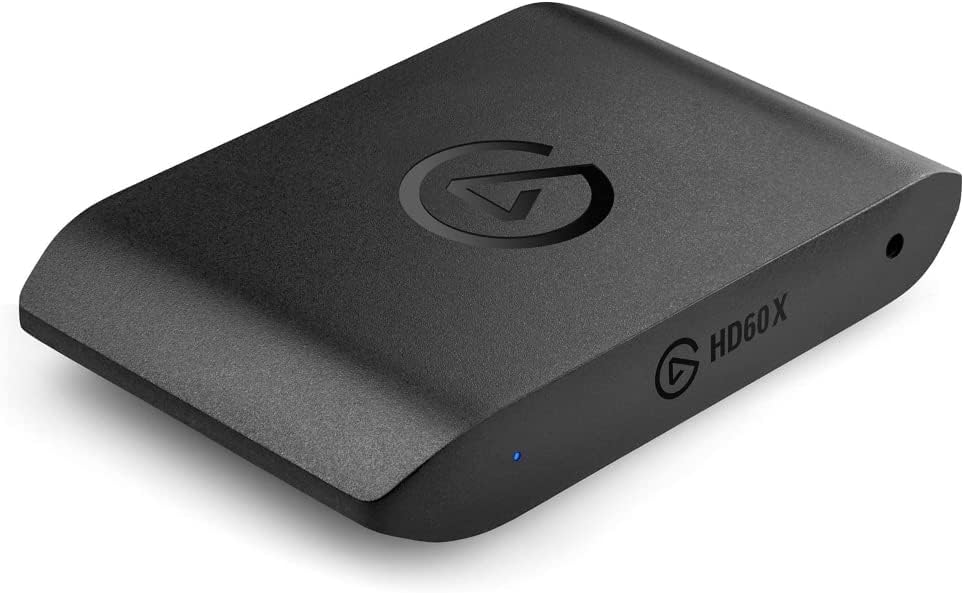
Capture: Up to 4K30 or 1080p60 HDR
Passthrough: 4K60, 1440p120 or 1080p240
Connection: USB 3.0 (5Gbps)
Do you need the extra capture modes?
If the finished video is always 1080p60, look at the screen first. A 4K60 television gives the Neo enough passthrough headroom for that arrangement. A 1440p120 gaming monitor makes the HD60 X a more appropriate choice because Elgato explicitly lists that passthrough mode. If the local recording needs 4K30, only the HD60 X of this pair offers it. Neither card records 4K60, even though both can pass a 4K60 picture to a screen. For 4K60 recording or HDMI 2.1 passthrough, compare the 4K X instead.
PS5 users should also check HDCP before blaming a black capture preview on either card. Elgato’s HDCP guidance explains the console setting and why protected media cannot be captured in the normal gameplay chain. The key buying decision remains the display format: the Neo is the simpler 60Hz choice; HD60 X is for the high-refresh or 4K30 recording use cases its specifications actually add.