A USB-C socket on a Mac does not tell you whether an HDMI capture card will record at its advertised maximum. The card also needs a compatible macOS version, enough USB data bandwidth, and software that supports the desired video format. A 4K signal reaching the TV is a separate matter from a 4K file arriving on the Mac. These four external cards cover very different combinations of those requirements.
| Card | Manufacturer-listed Mac requirement | Maximum capture distinction | USB link |
|---|---|---|---|
| Elgato Game Capture Neo | macOS 12 or newer; M1 or supported Intel Mac | 1080p60 | 5Gbps USB 3.0 |
| Elgato HD60 X | macOS 11 or newer; M1 or supported Intel Mac | 4K30 or 1440p60 | 5Gbps USB 3.x |
| Elgato 4K X | macOS 11 or newer; M1 or supported Intel Mac | 4K60 and higher SDR modes | 10Gbps for full modes |
| AVerMedia GC553G2 | macOS 13/14 or newer; check 10Gbps setup | 4K60 needs a much stronger Mac | 10Gbps for full modes |
Game Capture Neo for a 1080p recording
Elgato’s Neo system requirements start at macOS 12, an Apple M1 or supported Intel quad-core i5, and 8GB RAM. The capture card can pass 4K60 HDR to a display but sends no more than 1080p60 to the Mac. That is a sensible match for a Full HD stream or recording where the television still needs a 4K picture.
The included cable is USB-C on the card end and USB-A on the computer end. For a Mac with only USB-C ports, Elgato calls for a USB 3.0 C-to-C cable or suitable adapter. A charging-only cable, or a USB 2.0 cable with a USB-C plug, does not provide the required 5Gbps link. The box has no HDMI cable. Check the full dock/console-to-card-to-TV cable path before ordering.
Elgato Game Capture Neo
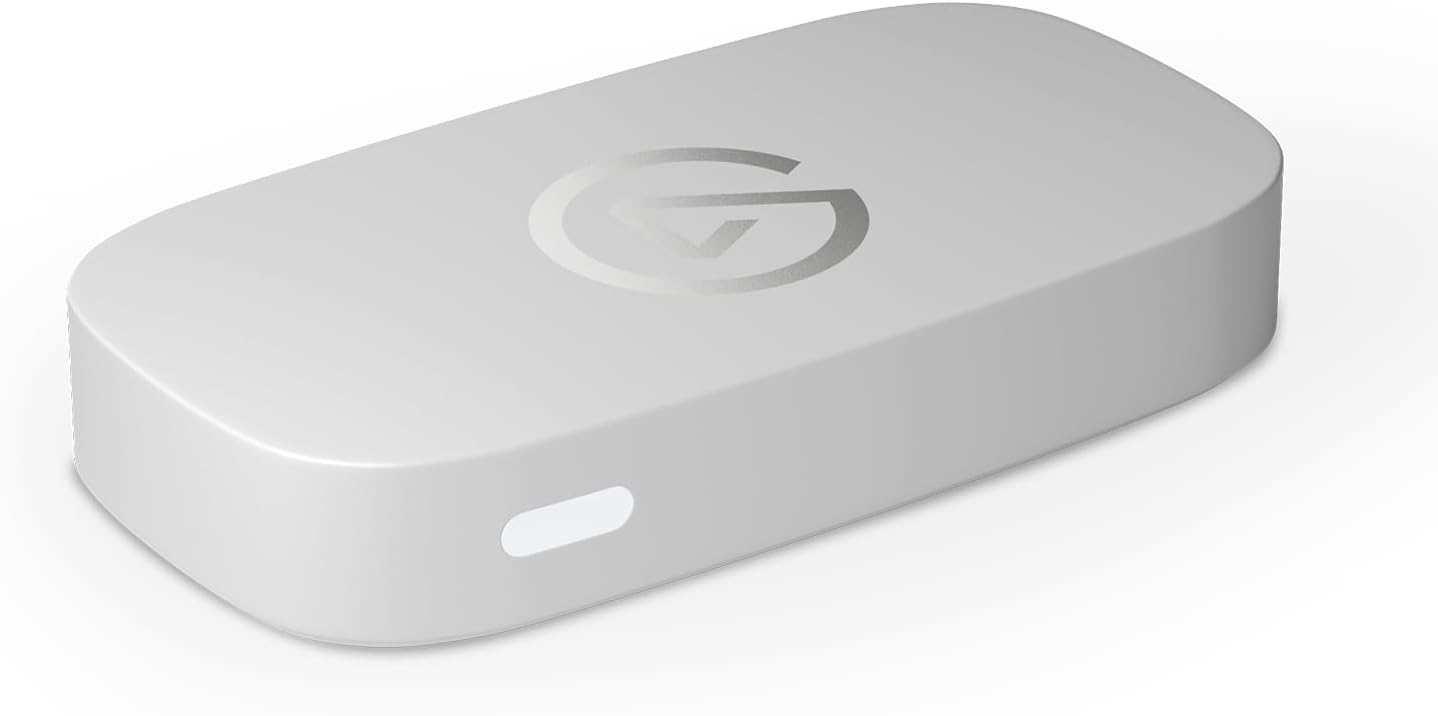
Capture: Up to 1080p60
Passthrough: Up to 4K60 HDR
Connection: USB 3.0 (5Gbps)
HD60 X for 1440p120 passthrough or a 4K30 file
The HD60 X Mac requirements list macOS 11 or later, an Apple M1 or supported Intel Mac, 4GB RAM, and a built-in USB 3.x port. Its main advantage over Neo is the combination of 1440p120 passthrough and higher recording ceilings: up to 1440p60 or 4K30. A 120Hz gaming monitor can keep its 1440p signal while the Mac records a lower-frame-rate feed.
Elgato’s OBS-on-macOS instructions explain that an HDR input is converted to SDR for the Mac recording. The TV can still show HDR through the HDMI passthrough. This is one reason a capture preview can look different from the display without indicating a faulty card. HD60 X includes an HDMI cable and USB cable, and has a 3.5mm stereo line input for setups that need an analogue feed.
Elgato HD60 X
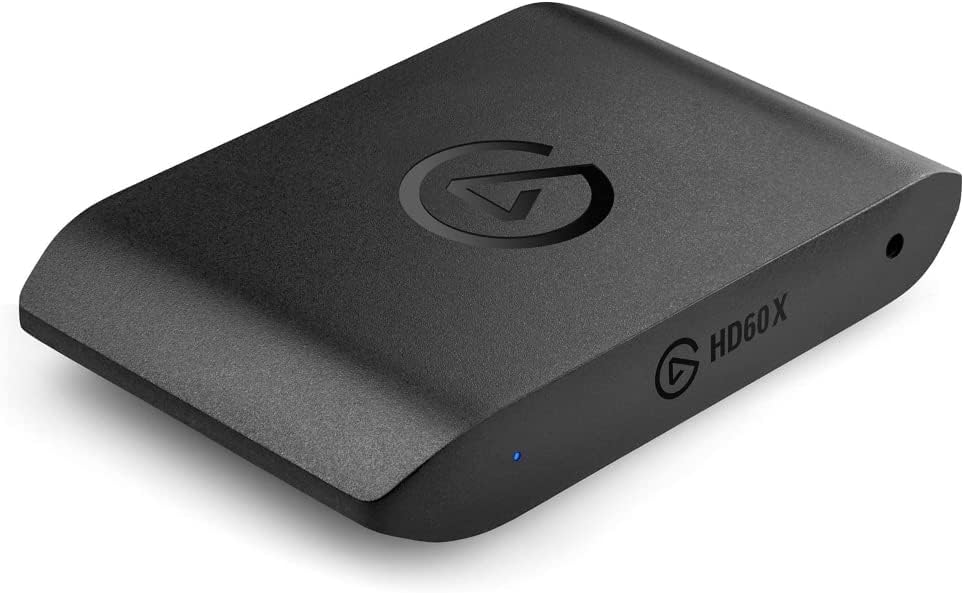
Capture: Up to 4K30 or 1080p60 HDR
Passthrough: 4K60, 1440p120 or 1080p240
Connection: USB 3.0 (5Gbps)
4K X for a 10Gbps Mac and 4K60 recording
Elgato’s 4K X Mac requirements begin at macOS 11, an Apple M1 or supported Intel Mac, and 8GB RAM. The important difference is USB 3.2 Gen 2: its full capture modes need 10Gbps. A 5Gbps port can run the card, but Elgato says the recording resolution is reduced. Check the specifications of the exact Mac port and any dock between the card and computer.
The 4K X’s HDMI 2.1 passthrough can preserve high-refresh display modes, and the card can record 4K60 SDR. Elgato’s capture matrix says HDR video can pass through to the display but is converted to SDR before reaching macOS. Do not buy it for Mac HDR recording on the strength of its HDR passthrough label. Its extra bandwidth earns its place when the recording needs 4K60 or the display needs more than an HDMI 2.0 card can pass.
Elgato 4K X
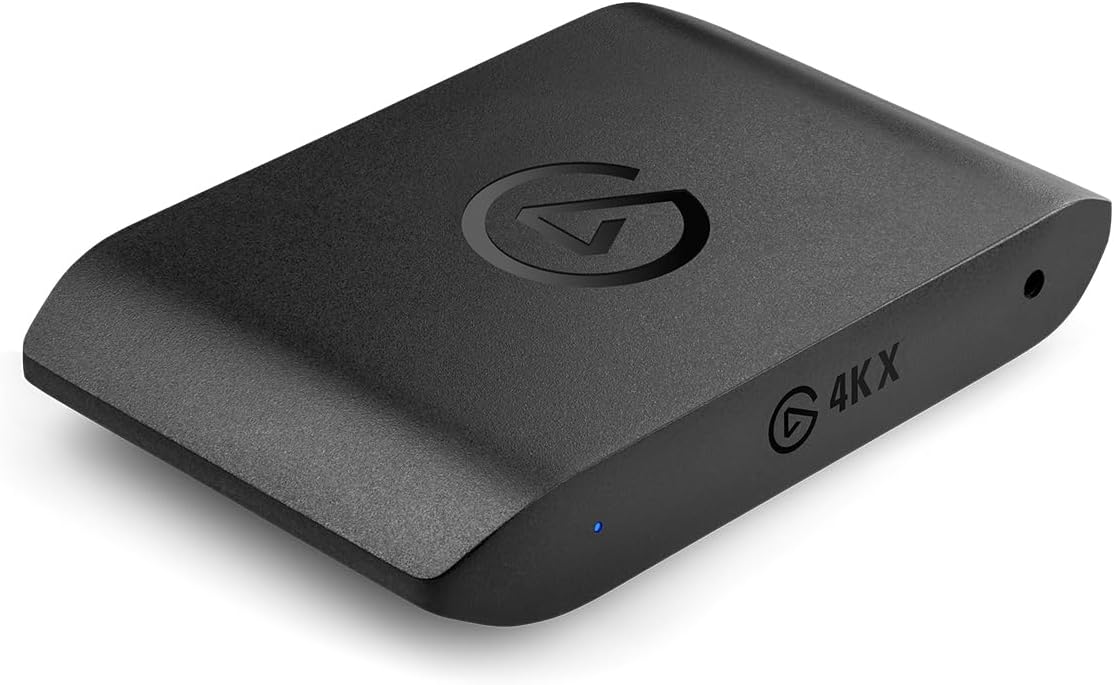
Capture: Up to 4K144 SDR; 4K30 HDR
Passthrough: Up to 4K144 with VRR
Connection: USB 3.2 Gen 2 (10Gbps)
GC553G2 has stricter Mac demands for 4K60
AVerMedia lists Mac compatibility for GC553G2, but its 4K60 MJPEG recording requirement is an M1 Ultra, M2 Ultra or stronger Ultra-class Mac. Its 10Gbps setup instructions also call for a compatible USB or Thunderbolt port, a recent macOS version, and the manufacturer’s utility to enable 10Gbps mode. A regular M1 MacBook and a 10Gbps port alone are not a promise of 4K60 recording on this model.
The GC553G2 remains relevant if its HDMI 2.1 passthrough and four-pole headset/gamepad audio connections fit your setup. AVerMedia says HDR capture is unavailable on macOS. For a buyer whose main goal is ordinary 1080p60 console recording on a MacBook, its Mac-specific conditions are a strong reason to compare the simpler Neo or HD60 X first.
AVerMedia Live Gamer ULTRA 2.1 (GC553G2)
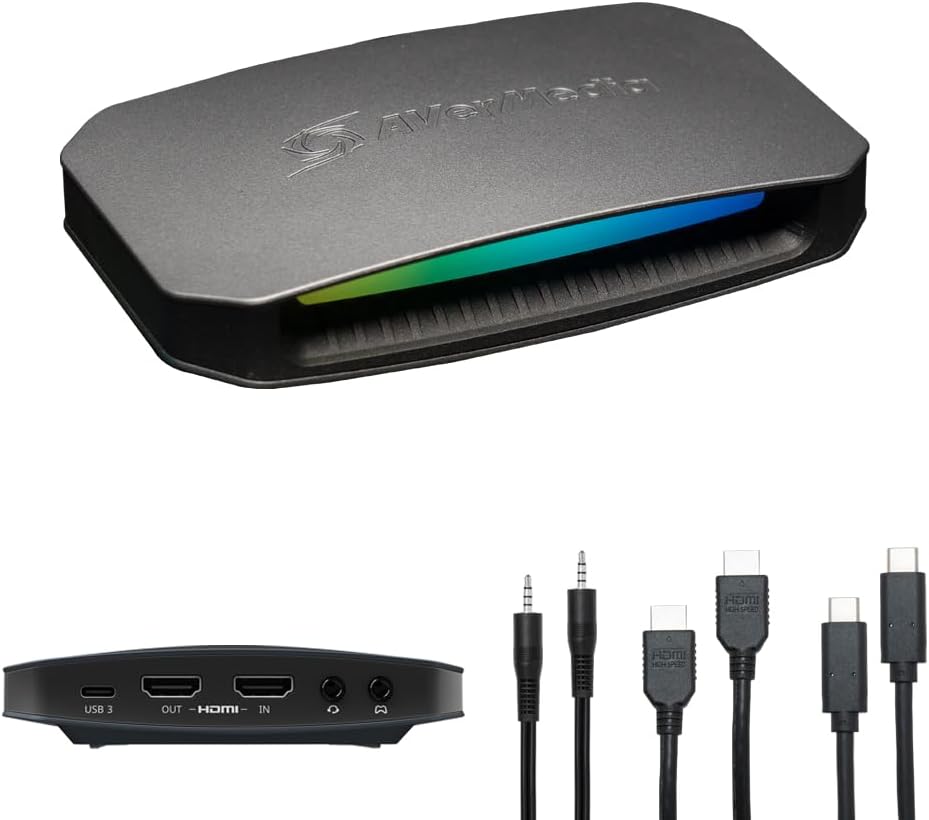
Capture: Up to 4K144 with supported Windows software; 4K60 standard mode
Passthrough: Up to 4K144 HDR/VRR
Connection: USB 3.2 Gen 2 (10Gbps)
Check these three things before buying
First, find the capture card’s listed macOS minimum and compare it with the version actually installed. Second, confirm the data speed of the Mac port, cable and any hub; USB-C describes the plug, not the bandwidth. Third, choose the recording mode independently of the TV mode. A card may allow 4K60 gameplay on the screen while limiting the file to 1080p60, 4K30 or SDR. OBS lists capture cards under Video Capture Device sources, but OBS cannot bypass a card’s hardware or macOS-specific limits.