“4K60” on a capture-card listing can describe the signal sent onward to a television, the signal accepted at the HDMI input, or the video file delivered to a computer. Those are not interchangeable. If you want a 3840 × 2160 recording at 60 frames per second, look for 4K60 capture in the manufacturer’s specifications and check the host-computer requirements for that exact mode.
| Card | 4K60 to the display | 4K60 recording | Host connection |
|---|---|---|---|
| Elgato Game Capture Neo | Yes | No; up to 1080p60 | 5Gbps USB |
| Elgato HD60 X | Yes | No; up to 4K30 | 5Gbps USB |
| Elgato 4K X | Yes | Yes, SDR | 10Gbps USB for full modes |
| AVerMedia GC553G2 | Yes | Yes, subject to host/software requirements | 10Gbps USB |
Elgato 4K X: check the exact capture mode
The 4K X technical specification lists HDMI 2.1 input and output and a USB 3.2 Gen 2 connection. Its supported-resolution table includes 4K60 capture. The highest frame-rate figures in its marketing apply to specific SDR formats; HDR recording has lower limits, including up to 4K30. Check that table if you require a precise combination of 4K, 60fps, HDR and a particular console output.
The 4K X can use a slower 5Gbps USB connection with reduced capture modes. For a 4K60 purchase, verify a 10Gbps USB port on the recording computer and a suitable cable. The included USB-C cable is designed for that connection. The HDMI passthrough can carry high-refresh gameplay beyond 4K60, so it also leaves room for a 4K120 console display or a higher-refresh PC monitor. That display capability does not remove the USB-side capture limit.
On a Mac, Elgato’s mode documentation says HDR input is converted to SDR before capture, even though HDR can reach the display. A Mac buyer looking for 4K60 SDR still needs the 10Gbps link; a Mac buyer looking for HDR files should not infer that support from HDR passthrough.
Elgato 4K X
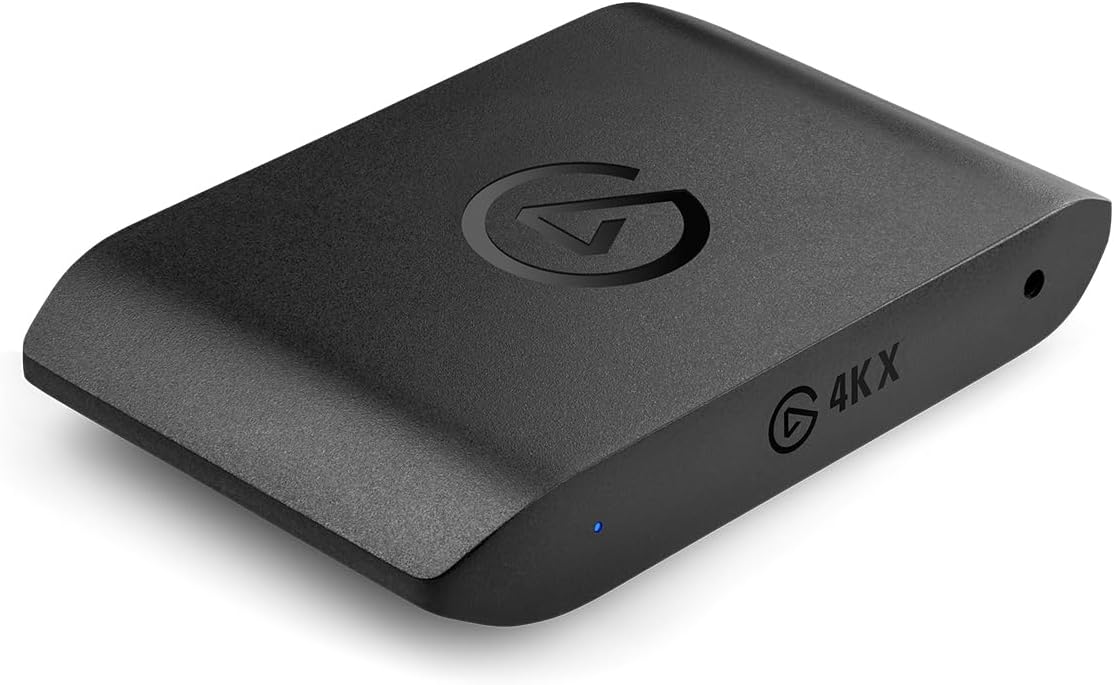
Capture: Up to 4K144 SDR; 4K30 HDR
Passthrough: Up to 4K144 with VRR
Connection: USB 3.2 Gen 2 (10Gbps)
AVerMedia GC553G2: 4K60 with an important Mac condition
The GC553G2 product specification gives it HDMI 2.1 passthrough and 4K60 recording capability. Its headline 4K144 passthrough refers to the display signal, while higher capture modes depend on updated firmware and specific Windows software. For a straightforward 4K60 file, confirm the current capture application and connection requirements on the computer that will do the recording.
AVerMedia’s Mac requirements are especially specific: 4K60 MJPEG capture calls for an M1 Ultra, M2 Ultra or stronger Ultra-class Mac. Its 10Gbps Mac instructions describe enabling that USB mode in its utility. A standard M1 or M2 laptop is compatible with the card in general, but that should not be read as support for its maximum 4K60 recording mode. HDR capture is not available on macOS according to AVerMedia.
The GC553G2 includes an HDMI 2.1 cable, a 10Gbps USB-C cable and a four-pole analogue audio cable. Its headset/gamepad audio connections can be useful when game chat needs a separate path. If that audio arrangement is irrelevant, compare the two cards by the host computer and capture software before deciding on either.
AVerMedia Live Gamer ULTRA 2.1 (GC553G2)
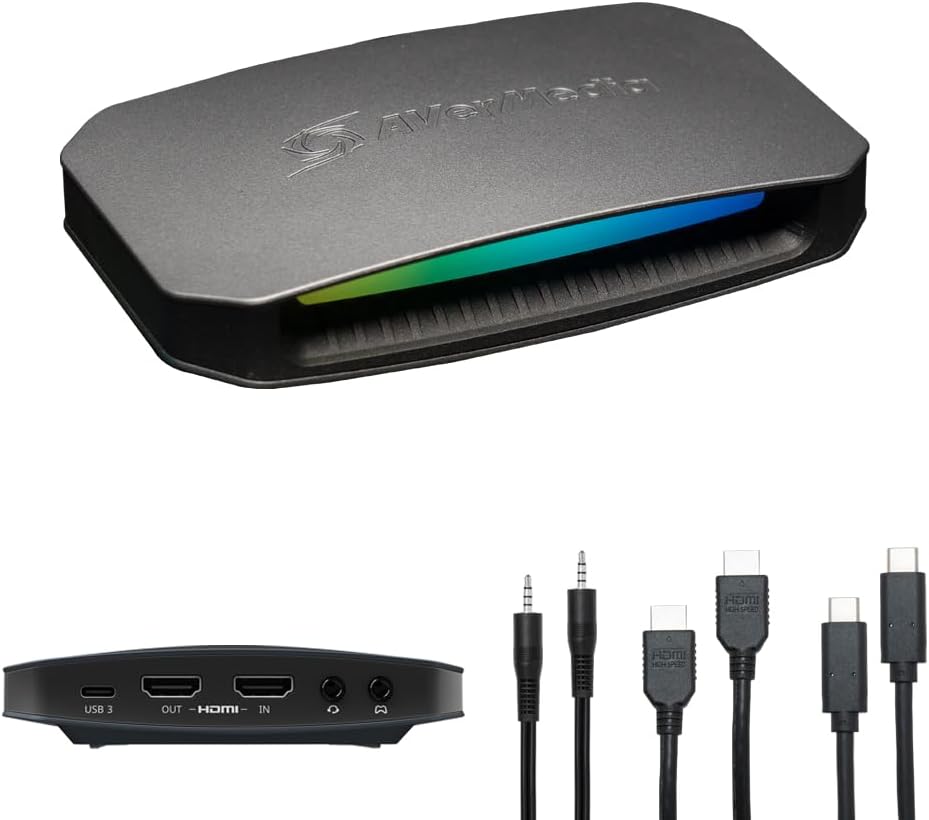
Capture: Up to 4K144 with supported Windows software; 4K60 standard mode
Passthrough: Up to 4K144 HDR/VRR
Connection: USB 3.2 Gen 2 (10Gbps)
Why Neo and HD60 X are not 4K60 recorders
The Game Capture Neo passes up to 4K60 HDR to a TV but captures no more than 1080p60. The HD60 X can also pass 4K60, while its capture ceiling is 4K30 or 1440p60. Both are useful if the finished video is Full HD, and HD60 X adds 1440p120 passthrough for a gaming monitor. Neither will produce a 4K60 file just because the TV shows 4K60 gameplay.
This distinction can save money when 4K files are unnecessary. A 1080p60 stream can be made from a 4K60 console signal without recording in 4K. Conversely, lowering the stream to 1080p later cannot restore 4K detail that the capture card never delivered. Decide the resolution of the finished file first; then check the passthrough mode the player needs on the display.
Confirm the whole 4K60 chain
The HDMI source must output 4K60, the card must accept that input and expose 4K60 capture, the USB link must have enough bandwidth, and the computer must encode the file in the chosen recording application. A 4K60 HDMI output alone proves only the display side. If the computer offers several USB-C ports, check the data specification of the one you will use, including any dock or hub in the path. For a 4K60 HDR requirement, consult the manufacturer’s HDR-specific mode table as well: SDR and HDR recording ceilings differ on these cards.